
 Library Pro
Every asset you use, in one place, inside After Effects. Browse, organise and preview without leaving the app, then drop onto your timeline with a single click.
No card required. 14 days, free while in early access.
Everything you make,
ready to use again.
Library Pro is an asset browser built for After Effects. Save comps, footage, audio and colours once, then reuse them in any project.
Export and preview comps
Export any comp straight from After Effects. Everything needed to render it travels with it, along with a preview you configure on the way out. Optional proxy in MP4 or ProRes. Or render a video directly to your library.
- Keeps everything intact
- Update the comp any time
- No manual relinking
- No digging through old projects
Preview any format
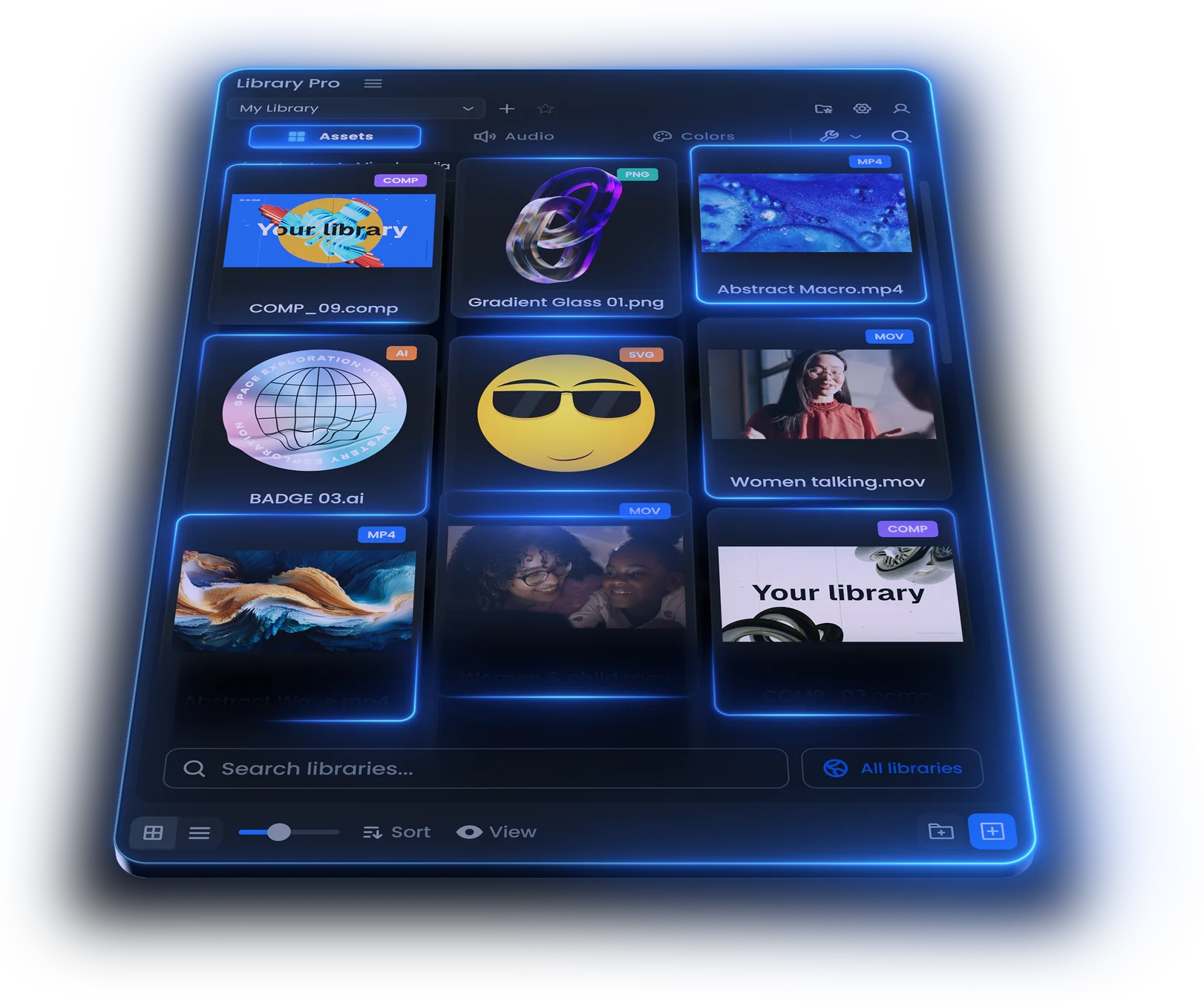
Comps, footage, stills, audio and vectors. Whatever you save previews in the panel.
Image sequences already travel inside exported comps. Importing a loose sequence on its own is coming.
Drop files in from anywhere.
Drag straight from Finder or Explorer, or out of the After Effects project panel. Drop it on the shelf and it's copied to your library.
Import without leaving the app
Library Pro copies every file it needs to your project location, so nothing is ever linked outside the project folder. You can turn this off in settings.
Assets
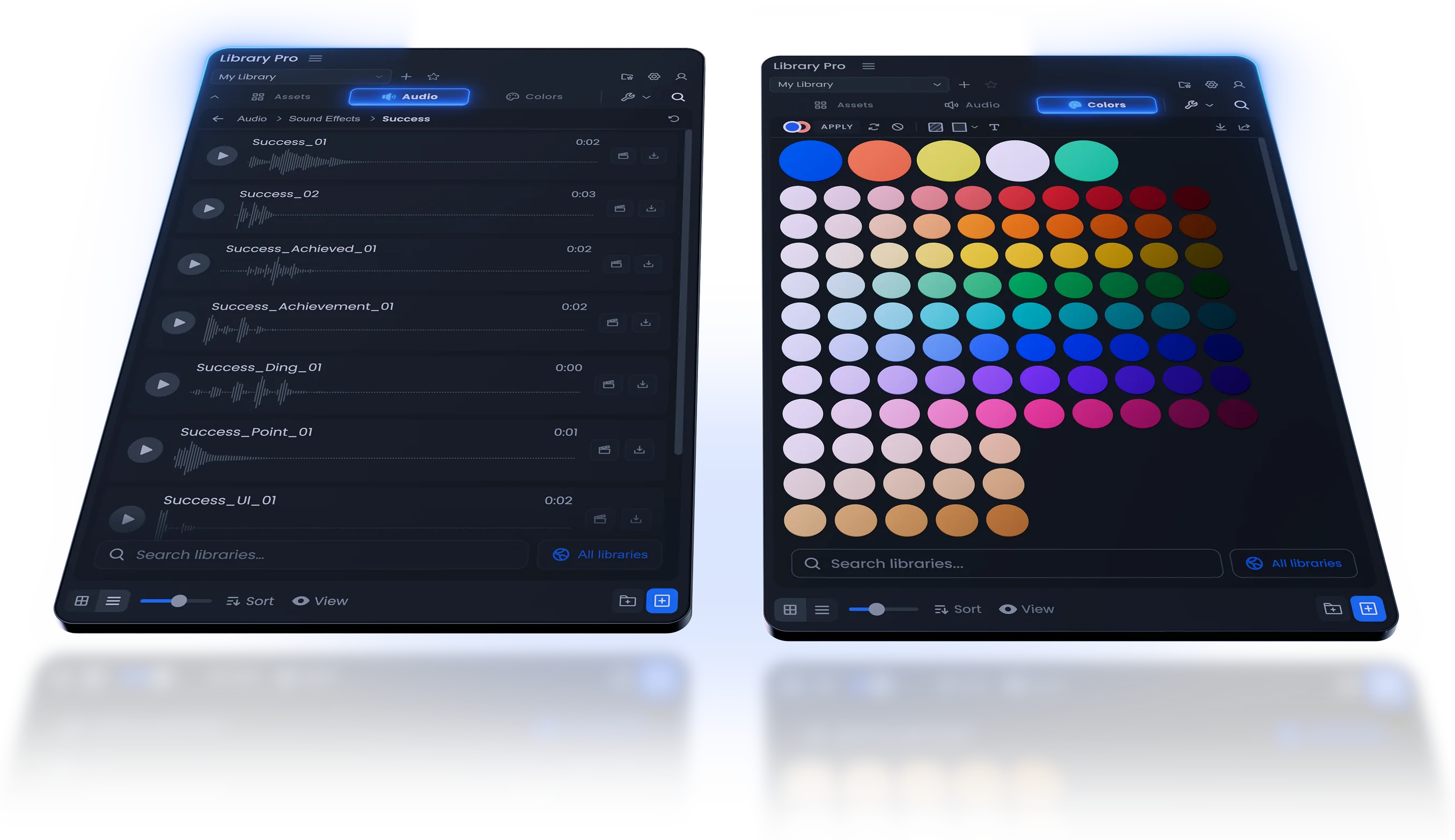
Comps, footage, images and 3D. Send one to your project panel, organised and colour labelled, or drop it straight onto the timeline at the playhead.
Audio
Play a track in the panel until you find the one, then drop it onto the timeline. No importing three takes to hear which works.
Illustrator and Photoshop,
your way in.
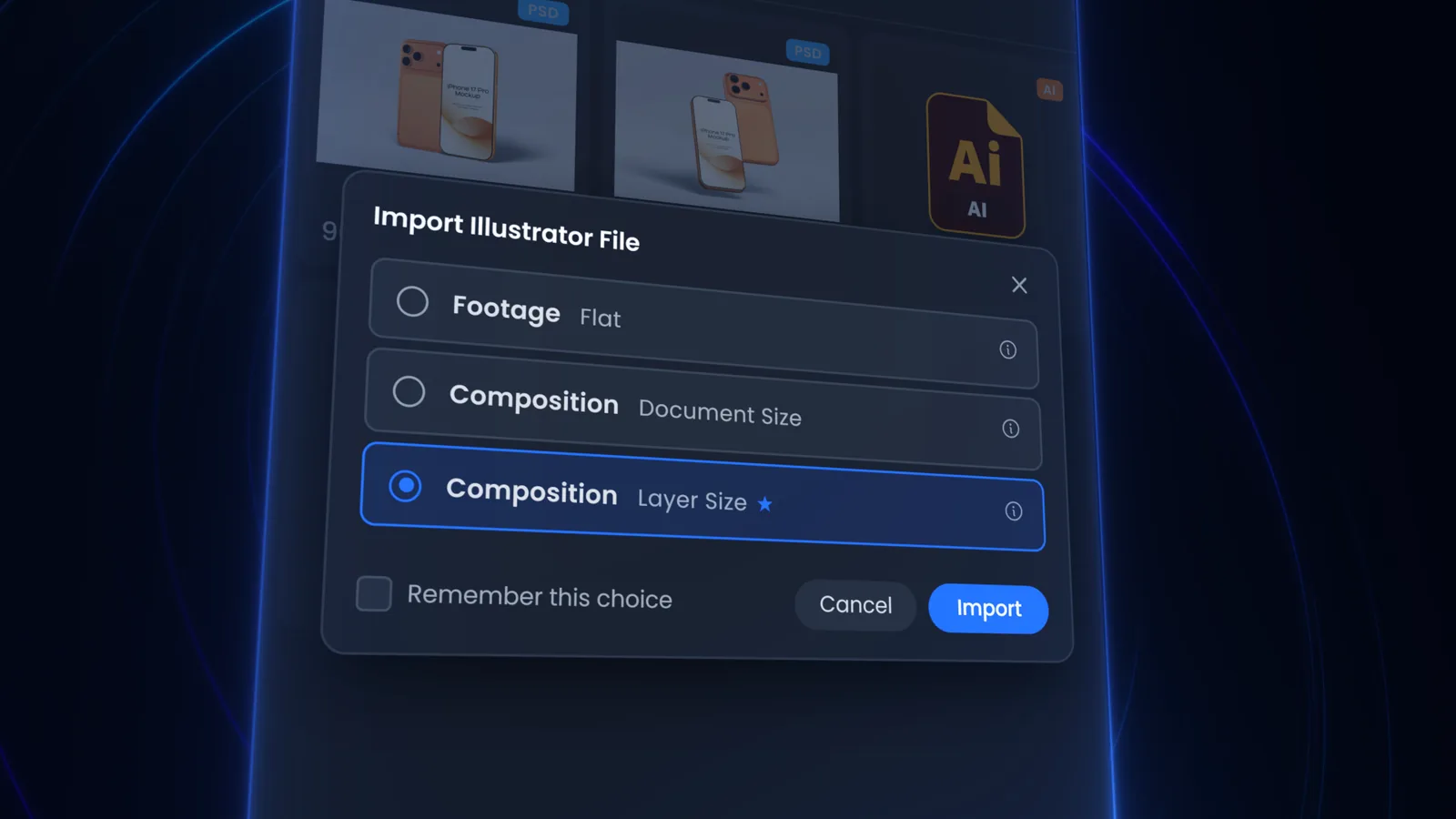
Keep your .ai and .psd files in the library alongside everything else. Import one and Library Pro asks how you want it, so layered artwork arrives ready to animate instead of flattened.
- Footage, for a flat single layer
- Composition at document size
- Composition at layer size, layers intact
Stop hunting for hex codes
No more digging through brand guides, old projects or Slack for the right blue. Save a palette once and it's a click away in any project.
- Straight off any layer, fill or stroke
- Drop in an .ase or .svg and it populates
- Group and nest into folders
- Shift-click to copy the hex
Everything you need.
All in one place.
Create libraries to organise
Add as many as you need and name them however you work, by project, by client, or by the kind of asset.
Pick the poster frame
Choose the frame an asset shows on the shelf, so you can pick the one that best represents your comp or video.
Move, rename and manage
Multi-select assets and folders, rename them, and move them between folders or across to another library.
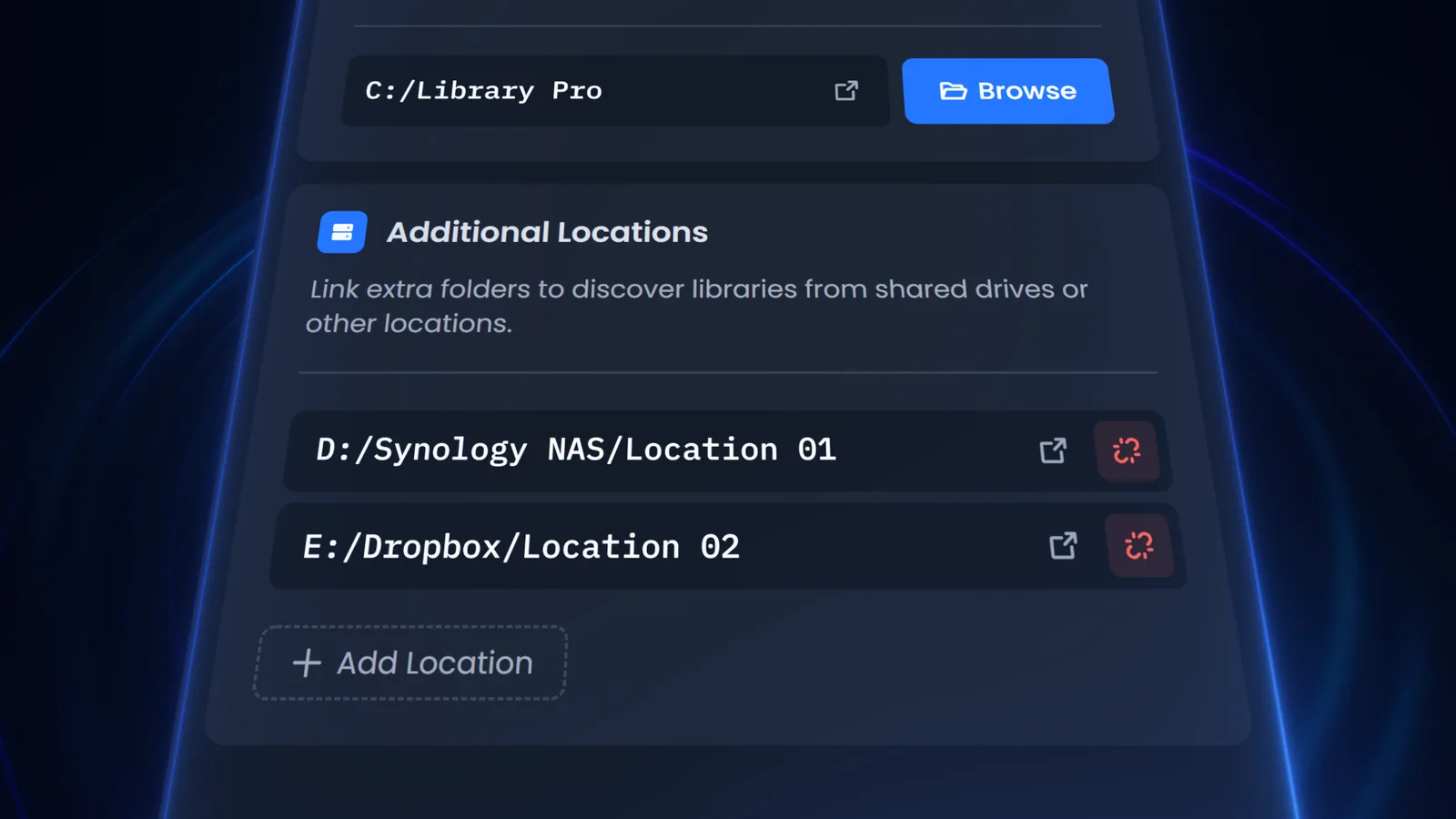
Your libraries, different locations
Local drive, NAS or Dropbox. Register as many library locations as you want and switch between them without leaving the panel.
Views your way
Thumbnails or list, sorted how you want them. The panel remembers per shelf.
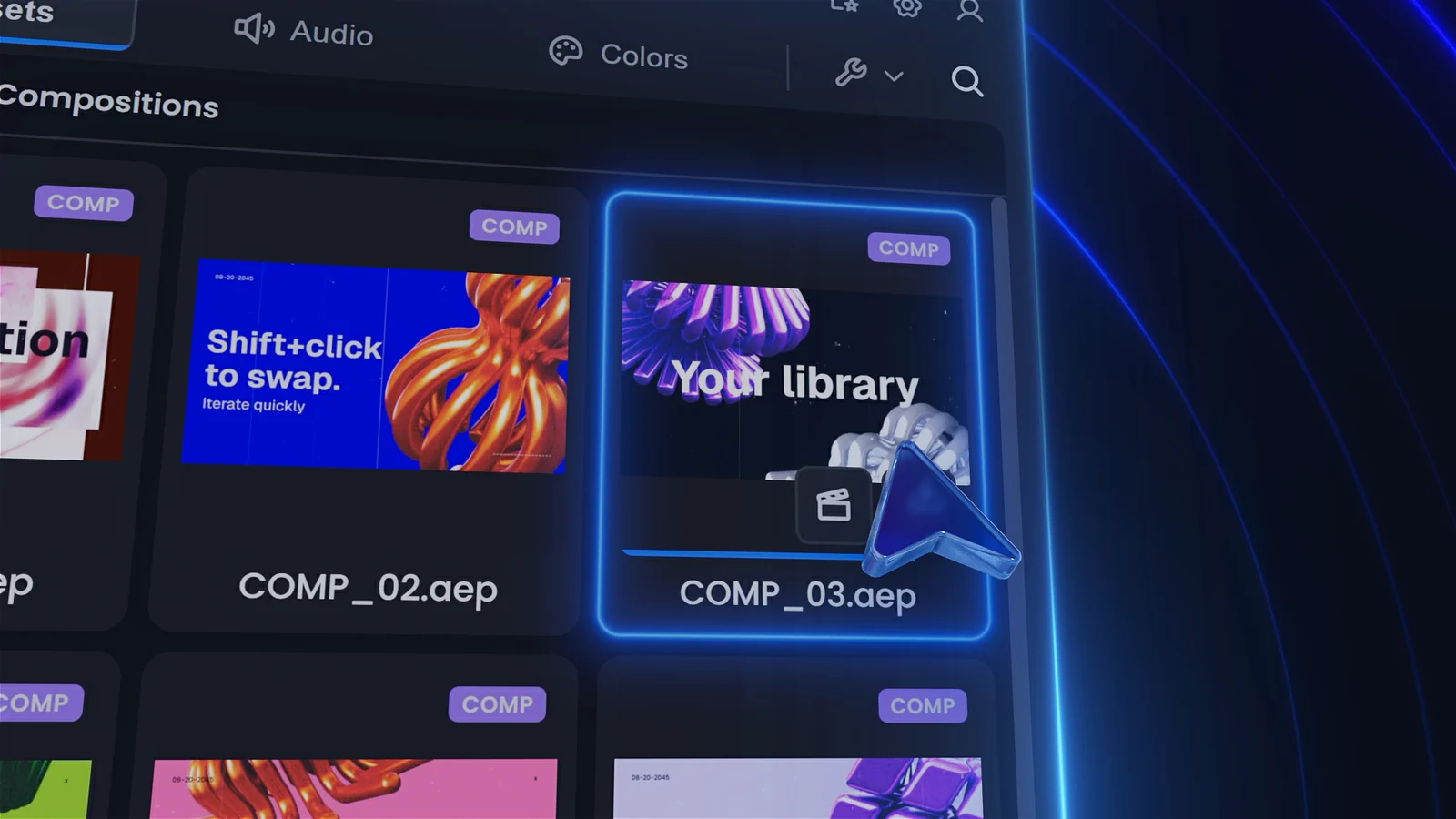
No accidental duplicates
Import the same asset twice and Library Pro knows. One copy, every time.
Find anything, instantly.
Search one shelf, one library, or everything at once. Filter by type. Results load as you type.
Heavy comps.
Smooth previews.
Tick one box on export and your comp comes back with a proxy already attached. Real time while you work, full quality when you render.
- ProRes keeps the alpha channel
- MP4 for a smaller library on disk
- Toggle it off with one click
Lightning fast
Your library can hold gigabytes of 4K and stay quick to browse, because the panel works from lightweight previews rather than the original files.
You carry on working
Add anything to your library and go back to what you were doing. Previews generate automatically in the background.
It builds a light copy
A low quality version of every asset is generated in the background, so the panel has something small to reach for.
The panel streams it
Previews stream from a local media server, not the source file, so browsing stays quick however heavy the original.
How early access works.
Free for the whole early access period. No queue and no card, just 14 days from when you start it in the panel.
Start the trial
Create an account and the download is there straight away. No card, no waiting.
Install the panel
Sign in to the panel with that same account, then press Start free trial.
Report what breaks
There's a Discord for early access, and support@toolsformotion.com for help and support.
Everything lives in your dashboard: see where each licence is active, deactivate a machine you no longer use, download the latest build and generate invoices.
Trusted by motion designers.
Join thousands of creators using our tools every day.
- 4
- Tools and growing
- 13K+
- Users and counting
- 20K+
- Downloads across all tools
Frequently asked questions
Yes. Library Pro is a panel that runs inside After Effects, tested on Windows, Intel Macs and Apple Silicon.
In normal folders on a drive you choose. A local disk, a NAS, or a synced folder like Dropbox. You can open it in Finder or Explorer at any time. You can add more locations in settings if you need to keep assets in different places.
It installs on After Effects 2020 and later. Testing focuses on the current release and a few versions back. Some features need a recent build: SVG support was only added in After Effects 2026, so SVG import only works there.
Yes. Video, images, vectors, audio and colours all work across any version. Comps are the one exception: a comp saved from a newer After Effects will not open in an older one, exactly like a native .aep file. That's an After Effects limitation rather than a Library Pro one.
The panel as it stands today, and a direct line to shape what it becomes. Testers get the full tool, not a limited build.
Tell us what breaks and what feels wrong. That's the whole deal. There's a Discord, or you can email support@toolsformotion.com with feedback or suggestions.
Nothing during early access. Pricing comes when it's ready, and testers will hear about it first.
Until it's genuinely ready. Anyone can start today, and it stays free for the whole early access period however long that takes.
Early access runs on one machine at a time. If you need to move to another one, message us and we'll shift your access across.
Need the full manual?
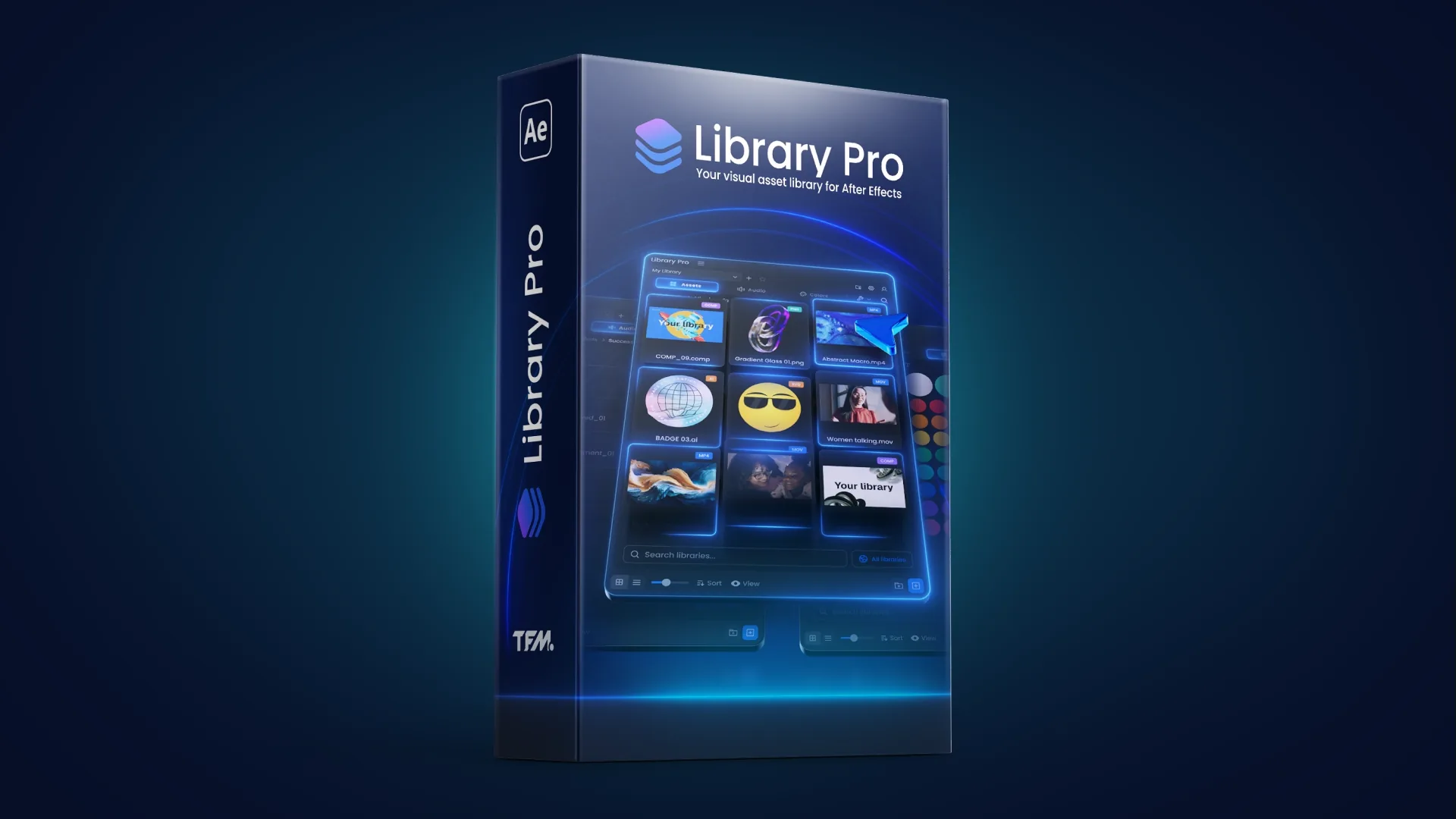
Library Pro documentationDocs
Setup, every shelf and every setting, and how to save and reuse comps.
Still stuck? support@toolsformotion.com
Build it once. Use it in everything.
Stop rebuilding the same thing, and stop hunting through last year's projects to find it.
Free while in early access · 14 days · macOS and Windows